 Merge
Remove EXIF data from a JPEG
See which common metadata blocks a JPEG contains and save a checked, re-encoded copy.
Stays on your device · never uploaded. How to verify
Drop a file here
JPEG · Up to 50 MB
Result
Remove camera details from a sample photo
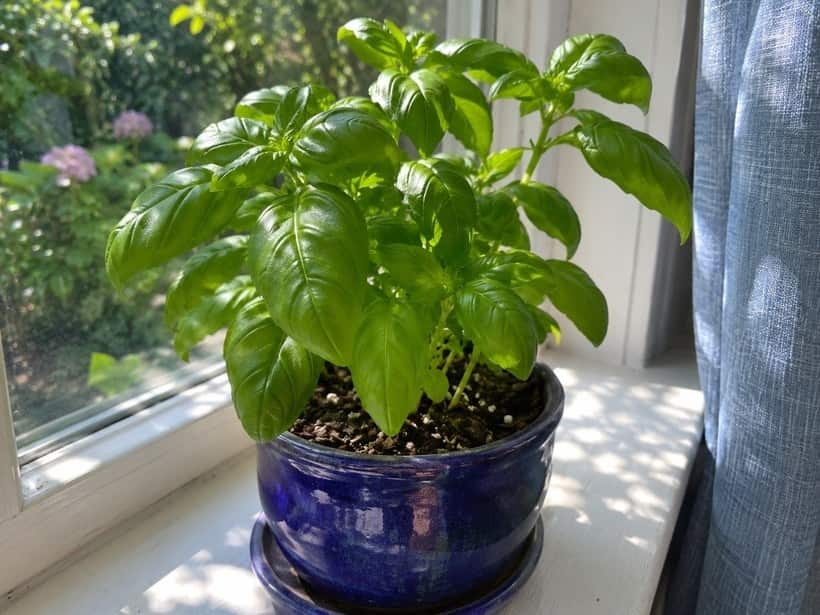
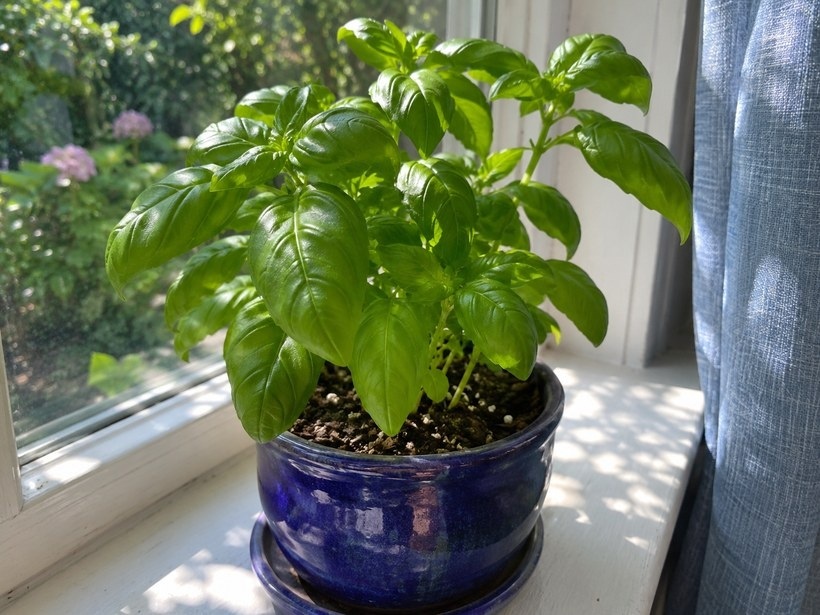
Check what travels with a JPEG
A camera or editing program can store descriptive information inside an ordinary JPEG. An EXIF block can contain camera information, a time, orientation, or GPS coordinates, depending on the source. This tool lists the kinds of blocks it detects without displaying every tag. It checks for EXIF, XMP, embedded ICC profiles, Photoshop or IPTC blocks, and JPEG comments. Select a JPEG photo of 50 MB or less, then read the report below its preview. Keep a separate original if you need that information later.
Make a new copy from the visible image
The editor draws the photo as it appears and writes a new JPEG from those pixels. This lets the browser apply the original orientation when opening the source. Re-encoding can change some JPEG details. The editor removes supported metadata blocks from the export, including any color profile the browser added. The report checks the finished JPEG again. If you want a PNG copy instead, use JPG to PNG. If your destination also sets a file limit, use Compress JPEG to create a measured copy for that limit.
Review both the report and the picture
Check the output report before downloading. Read the photo too. A location visible on a street sign or a person’s name printed on a label is part of the picture and stays in the new pixels. For a visible region you intend to soften, try manual area blur. A descriptive file name may also reveal information, so rename your downloaded copy when needed. Keep the original if you later want the camera tags, larger dimensions, or a different edit. If the canvas would need to shrink a very large image, a message appears before you run the export.
| Original JPEG | May contain camera, editing, or color metadata. |
|---|---|
| Checked JPEG | Freshly encoded pixels with a report of supported metadata blocks. |
Frequently asked questions
Does the report tell me my GPS coordinates?
It reports that an EXIF block was found. It does not list individual fields inside that block.
Will my original JPEG be changed?
The tool reads your source and gives you a separate JPEG to download.
Can I use this tool to remove words visible in a photo?
Visible words remain in the pixels. Crop that region out when it sits beyond the part you want to keep.