 Merge
Convert JPG to PNG
Save a JPEG in PNG format with the same visible frame and an opaque background.
Stays on your device · never uploaded. How to verify
Drop or paste a file here
JPG or JPEG image
Selected file
Export
Large exports may scale down to fit the browser’s canvas.
Downloads
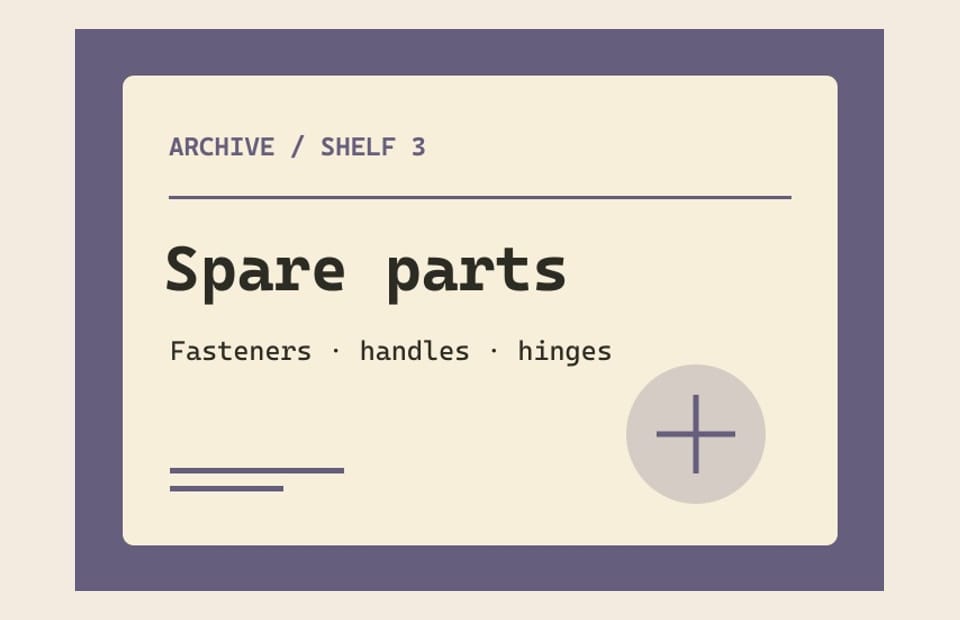
A shelf label saved as PNG

Use PNG when the destination requires it
Some image editors, web forms, and design teams ask for a PNG. Choose the JPG you already have and check the converted preview. The output keeps the frame and scales proportionally beyond the limits shown before export. Start from the original JPG when you can. An ordinary photograph remains opaque, including any white area around a product or label. If a destination needs clear edges around a subject, start from artwork that already has alpha or prepare it in a separate image editor.
Watch for detail that was already lost in the source
PNG compression is lossless, so saving a copy in this format avoids introducing another round of JPEG compression. Fine edges and flat areas still carry any softening or block artifacts present in the decoded JPG. Converting works best when you start with the clearest copy you can find. If only part of the frame is useful, crop the image and save that section as PNG. A smaller frame can be easier to fit into a slide or document and removes unrelated material.
Compare the measured size with the requirement
PNG can be larger than the JPG it came from, particularly for detailed photos. Check the measured size before sending the file to a platform that limits attachments. If the recipient accepts JPG and you mainly need to reduce bytes, compress the JPG with the actual limit. If you need several inputs in a single PNG canvas, use Merge photos to arrange them and choose PNG output. Keep the original JPG as a source in case you want to make a version with different dimensions later.
| Original JPG | Often uses fewer bytes for a photograph. |
|---|---|
| Converted PNG | A lossless encoding of the pixels decoded from the JPG. |
Frequently asked questions
Will a JPG background turn clear?
The converted PNG is opaque. A white area stays white.
Can changing formats restore missing detail?
The PNG represents the pixels decoded from the existing JPG. Start with a higher-quality original if you have one.
Is the PNG always smaller?
Photos often produce a larger file in PNG. Check the measured output for your image.