 Merge
Pick a color from an image
Tap an image to get the hex and RGB values of the pixel under your marker.
Stays on your device · never uploaded. How to verify
Drop a file here
JPG, PNG or WebP
Result
A teal pixel from a paint card
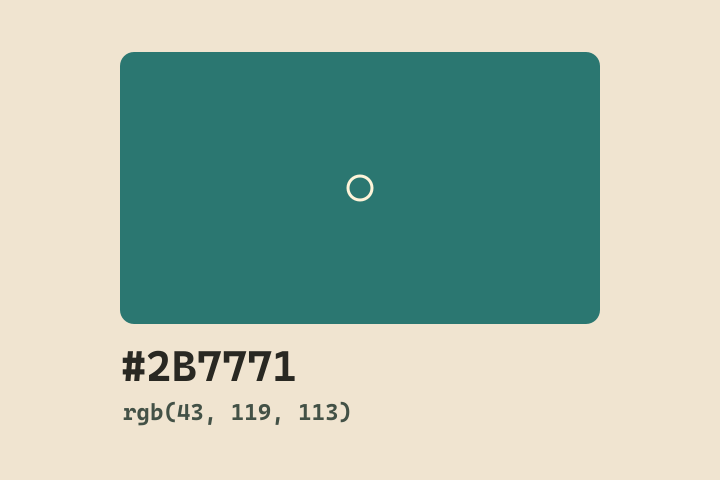
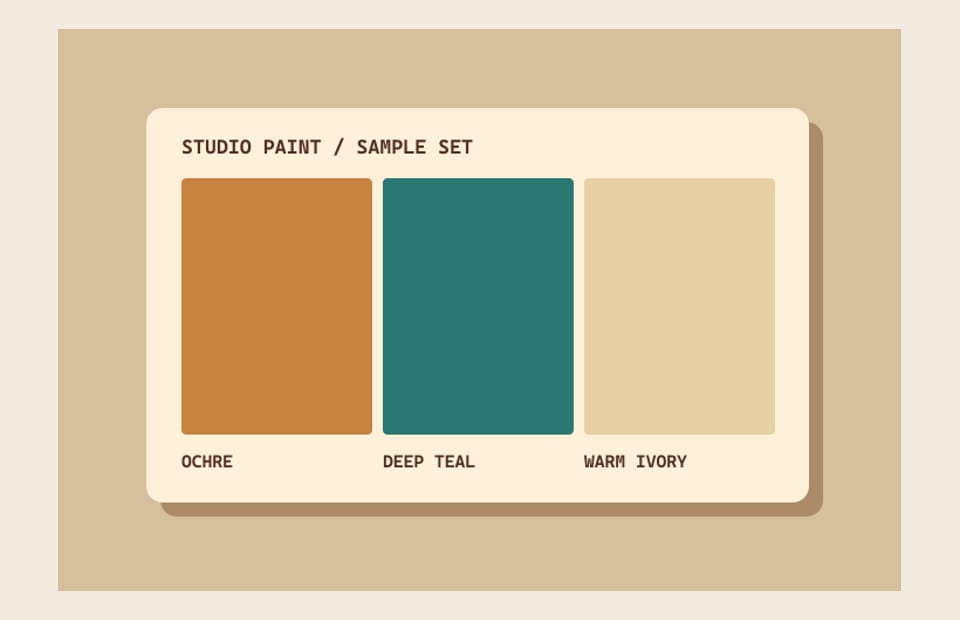
Choose an exact point in the picture
Open a JPG, PNG, or WebP and tap the part of the preview whose color you want. To repeat a selection later, note its X and Y coordinates. The top left pixel is zero on both axes. X increases to the right, and Y increases toward the bottom. The preview can be smaller than the original. Entering coordinates lets you target a single source pixel even when a large photo is squeezed into the space available on a phone. Start with a solid painted area when you need a color that is easy to find again.
Read the values in the right context
The result gives hex and RGB for the decoded sRGB pixel and a separate alpha value. Alpha shows opacity on a scale from zero for transparent to 255 for opaque. The RGB values of a translucent pixel describe its color before blending with what is behind it. Lighting, camera processing, color profiles, and JPEG compression can change the numbers in a picture of a physical swatch. Sample several points if a shadow or textured surface makes the color vary. The reading is for one pixel, and nearby pixels may differ.
Record a useful sample for the next step
Download the sample as a short text note to keep the values and the coordinates together. Paste the hex into another editor when you need an accent for a layout or webpage. A border that borrows a color from its image can tie the edges into the subject, and you can try that with Add border to image. For text on top of a photo, use Add text to photo and pick a color with enough contrast to read at the final size. When combining PNG images, you can use the sampled color as the canvas background.
| Hex | A six-digit RGB value for CSS and many design tools. |
|---|---|
| RGB and alpha | Numeric channel values plus opacity. |
Frequently asked questions
Can I sample a pixel by coordinates?
Yes. Enter X and Y in source pixels and select Sample color.
How do I tell whether a pixel is transparent?
Read the alpha value alongside hex and RGB. 255 is opaque and 0 is fully transparent.
Why do two spots on the same surface yield different values?
Texture, light, pixel encoding, and shadows can vary across the surface in the photo. Tap a few nearby points to compare.