 Merge
Add a border to an image
Put an even frame around the outside of an image. Start with a 24-pixel warm cream border and adjust it as needed.
Stays on your device · never uploaded. How to verify
Drop a file here
JPG, PNG or WebP
Result
A warm frame around a night print
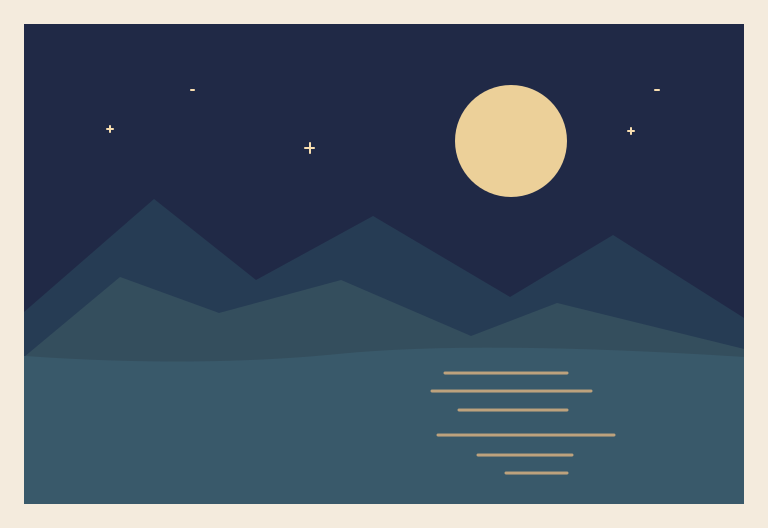
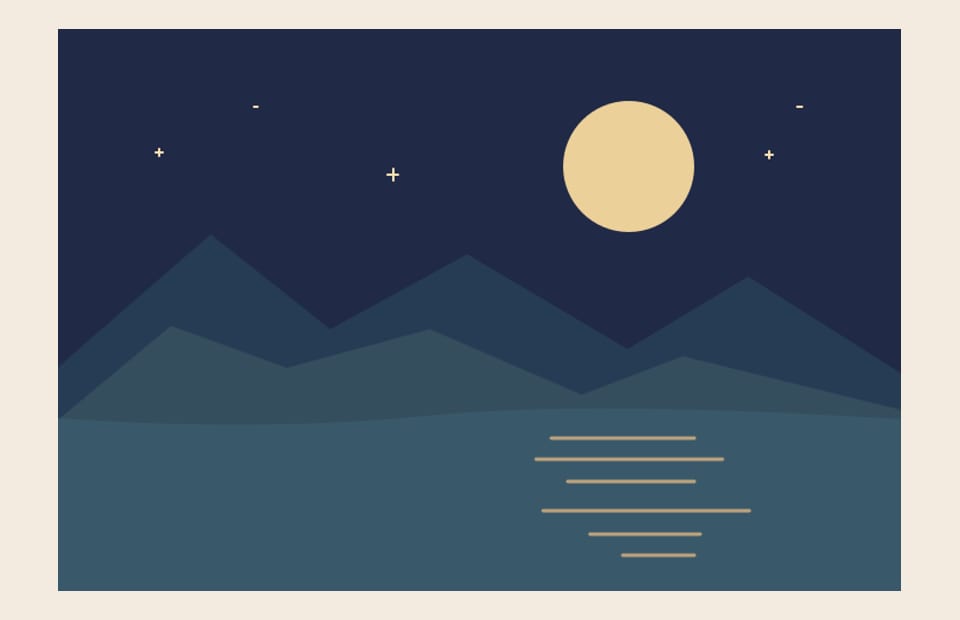
Pick a width that fits the picture
Choose a JPG, PNG, or WebP, then set the width in pixels. The border is added outside all four edges, so it leaves the subject visible. The same number of pixels has a different visual effect on a phone photo and a small illustration. On a small graphic a wide border can take up much of the space. Start with a modest width for an icon. For a large photograph, try a width that will still be visible after the image fits a small screen or thumbnail. When framing a handwritten mark, draw a transparent signature PNG first.
Find a color that works against the destination
Cream or white can give a print some breathing room. Dark colors can set a bright image apart from a light page. Try a color from the subject, such as a muted green from a landscape or a blue from a label. Use the image color picker to find its hex value. Transparent areas inside the image can still show the page beneath them, so check the frame on the background where the image will appear. A color swatch alone can look different alongside a bright photograph.
Allow room for the extra pixels
At full output size a 24-pixel border adds 48 pixels to the width and 48 to the height. Check the planned dimensions if a destination requires an exact fit. A large framed composition can be scaled down to fit the browser canvas. Choose a smaller starting image or a narrower border when preserving the original image dimensions matters. For a group of images that needs one frame around the entire set, use Merge photos and set the outer padding there. Save the framed PNG as a separate version for this layout.
| Border width | Sets the amount added to each outside edge. |
|---|---|
| Border color | Sets the solid color used for the frame. |
Frequently asked questions
Does the border cover my picture?
The border is placed outside the original image edges.
Will the output be wider and taller?
At full size it grows by twice the border width in each direction. The export can scale down for a canvas limit.
Can I frame a transparent PNG?
Yes. Transparent parts inside the frame remain transparent.