 Merge
Rotate an image by a quarter or half turn
Turn a sideways photo clockwise or counterclockwise, or flip its orientation by 180°.
Stays on your device · never uploaded. How to verify
Drop or paste a file here
JPG, PNG or WebP
Selected file
Export
Saves PNG and preserves transparent areas.
Large exports may scale down to fit the browser’s canvas.
Downloads
A sideways notice turned to reading position
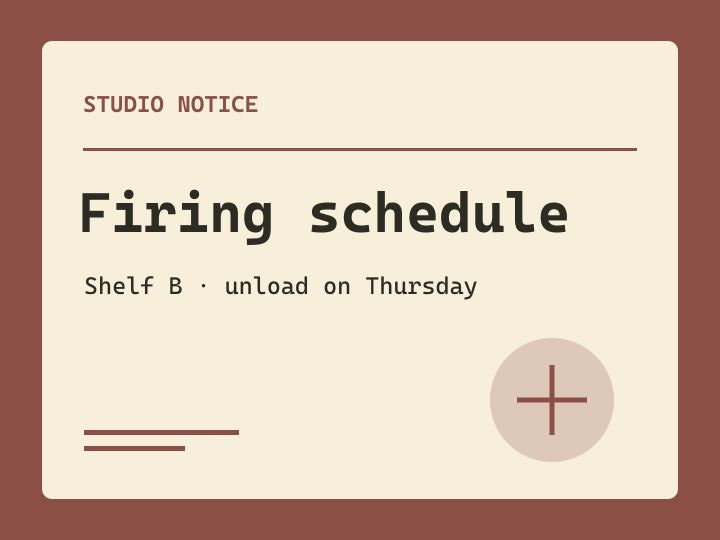
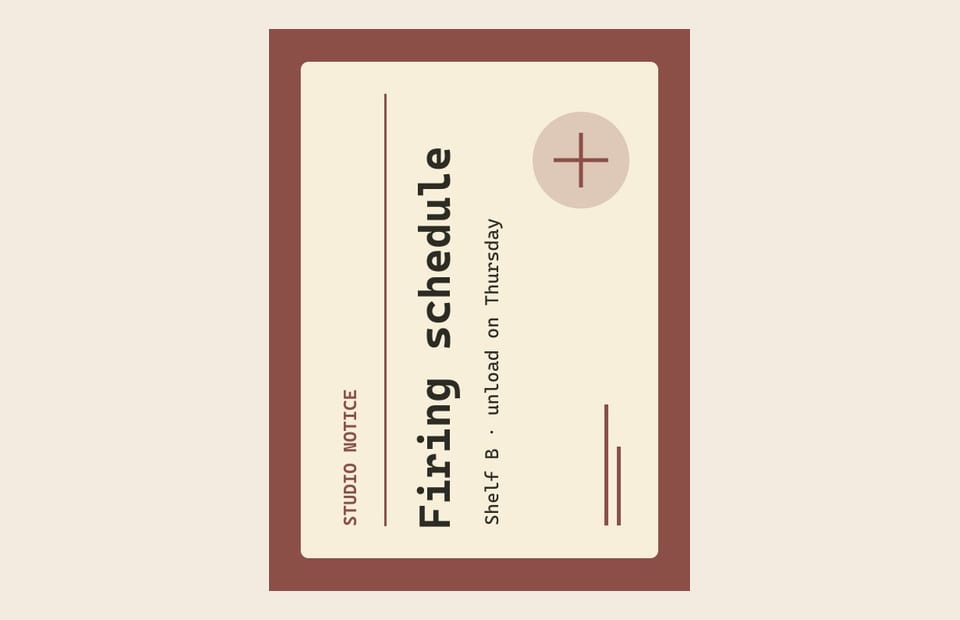
Use a line of text to find the correct turn
Look for a heading, horizon, or other line that should be horizontal. If the top of the subject points to the left, try the clockwise quarter turn. If it points right, use the counterclockwise quarter turn. A half turn is useful when the whole image is upside down. The tool starts with a clockwise turn. Check the result using something obvious, such as the baseline of a printed label, particularly when the original picture has no clear top or bottom. For a true reflection, use Flip image.
Keep the full frame after turning
A 90-degree turn swaps the pixel width and height so all four corners stay inside the new image. A 180-degree turn keeps the same dimensions. The result is drawn in its new position and saved as PNG, so a viewer can use the pixel arrangement directly. If the frame still looks crooked because the camera was held at a slight angle, a quarter turn will only repair the broad direction. For a document that needs straight margins, take another photo with the camera parallel to the page if you can.
Rotate before you crop or combine
After the turn, check the new width and height before using the image on a site with dimensions. Clear areas in a source can remain clear in the PNG. For a photo of a document, use Crop image after rotating and leave enough room around any writing. If the corrected frame belongs with several other pictures, open Merge photos for a grid or stack. Keep the original file so you can make a new version if you chose the wrong orientation.
| Quarter turn | Swap portrait and landscape orientation. |
|---|---|
| Half turn | Make an upside-down image upright. |
Frequently asked questions
Will a quarter turn cut off the corners?
The saved canvas swaps width and height to hold the whole turned image.
Can this straighten a slight tilt?
The available turns are 90, 180, and 270 degrees. They fix the main orientation of the frame.
Can I keep transparent corners?
PNG can keep the transparent pixels present in the source.