 Merge
Flip or mirror an image
Mirror a photo left to right or flip it top to bottom. Choose the direction and check the result before saving.
Stays on your device · never uploaded. How to verify
Drop a file here
JPG, PNG or WebP
Result
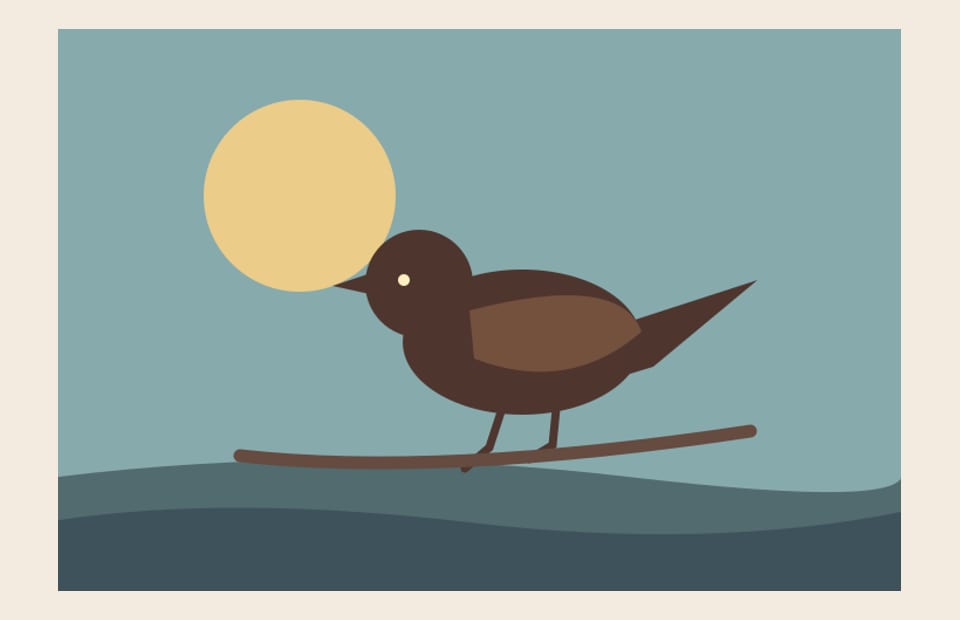
A bird silhouette facing the other way

Choose which edges should trade places
Mirror left to right moves the left edge to the right and the right edge to the left. The top and bottom stay where they were. This can help turn a silhouette so it looks into a group of graphics, or change the direction of a frame from a front camera. Flip top to bottom swaps the top and bottom while preserving the arrangement from left to right. This is useful for a reflected shape or for a layer that is meant to sit below a horizon. The menu names the edges that will swap.
Check anything that has a reading direction
Review letters, numerals, and logos after you mirror a photo. They reverse along with every other detail. That can be intentional for the design of a transfer, but it can make a normal sign difficult to read. To fix a photo that was saved sideways, use Rotate image. Rotation turns the whole frame by an angle. A mirror changes its handedness. If a corner is an easy reference, pick it before exporting and look for it on the opposite edge in the result.
Keep the reflected copy for your layout
The result is a PNG, so transparent parts of a source illustration can stay clear. Inspect the outline before using it beside other graphics. The output can be scaled down when it exceeds the browser’s canvas limit. If your destination needs an exact size, check the reported dimensions first. Use Merge photos to put a mirrored graphic alongside an original or a photograph. Keep the source with clear names for the two versions so you can distinguish them when you return to your project.
| Mirror left to right | Left and right edges swap. |
|---|---|
| Flip top to bottom | Top and bottom edges swap. |
Frequently asked questions
Will a mirror make text backward?
Yes. The image and any words in it are reflected together.
Can this fix a photo that is sideways?
Use Rotate image to turn a sideways frame 90° in the needed direction.
Can I use both directions?
Yes. Save the first result, open it again, and choose the other direction. Applying both is equivalent to turning the frame 180°.