 Merge
Add a watermark to an image
Place a credit, name, or proof label on a photo and control how strongly it shows.
Stays on your device · never uploaded. How to verify
Drop a file here
JPG, PNG or WebP
Result
Credit a plant studio photograph
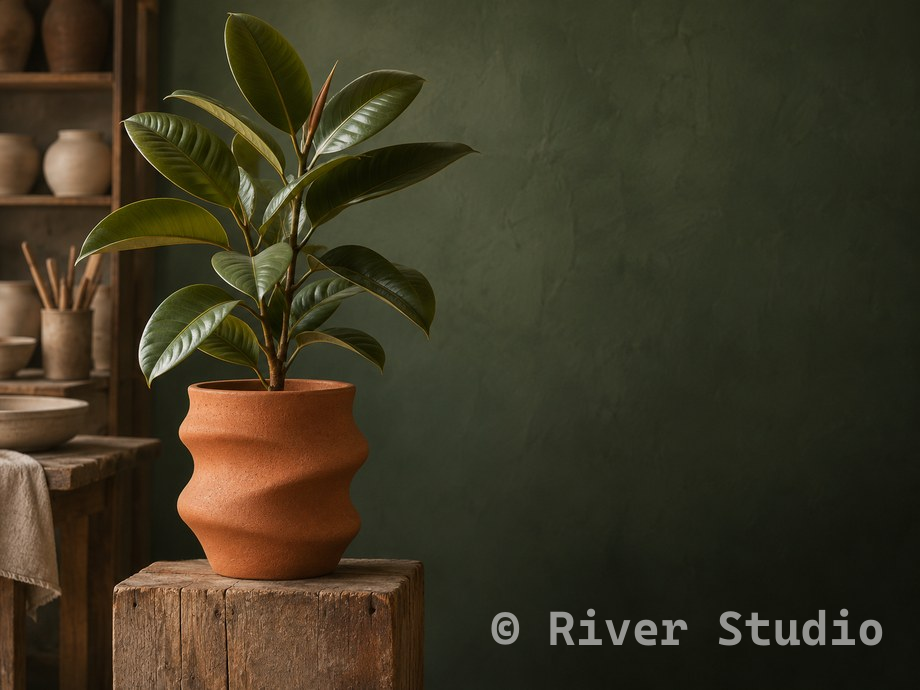

Decide who needs the credit and where
Choose wording that helps a reader identify the source or stage of an image. A studio name, account name, or a short proof label is easier to read than a long address. For a sample going to a client, a compact mark near a corner usually keeps the subject clear. Center placement puts the mark over the subject, which can make it easier to notice on a small preview. Check whether the platform will crop the photo when it makes a thumbnail.
Use opacity to keep detail visible
The tool starts with white lettering at partial opacity. On a pale sky or cream surface, choose a darker ink or move the mark to another corner. Raise the opacity for a clearer name. Lower it if labels, faces, or textures should remain the main focus. Adjust the text size separately from its opacity and keep the name short enough to fit on a single line. For a headline or date that should read clearly at first glance, use Add text to a photo for a full-opacity caption with an outline.
Keep a clean original alongside the marked copy
Generate the preview and read the mark against the final photo. Verify the wording or account name before sending it and check the corners when the image contains transparent pixels. Save the marked PNG as a separate file. The credit becomes part of the pixels, so keep the original for print or later edits. A visible mark can identify an image, and people can still crop or edit a copy. If a marked sample needs a specific display width, resize the source before adding the credit. Use Merge photos to put several marked samples in a grid.
| Corner | A small credit that stays off the main subject. |
|---|---|
| Center | A more prominent proof label. |
Frequently asked questions
Can I add a logo watermark here?
This tool places text. Use Merge photos to arrange a logo and a photo on the same canvas.
What does opacity change?
It controls how much of the photograph shows through the letters. At 100%, the text color is solid.
Can I save the same photo without the mark?
Use your source file for an unmarked copy. The downloaded PNG includes the watermark in its pixels.