 Merge
Convert PDF pages to JPG
Make a JPG from each PDF page and save the pages you need individually.
Stays on your device · never uploaded. How to verify
Drop or paste a file here
PDF · Up to 50 MB and 50 pages
Selected file
Export
Saves one JPG per page.
Large exports may scale down to fit the browser’s canvas.
Downloads
An itinerary page saved as an image
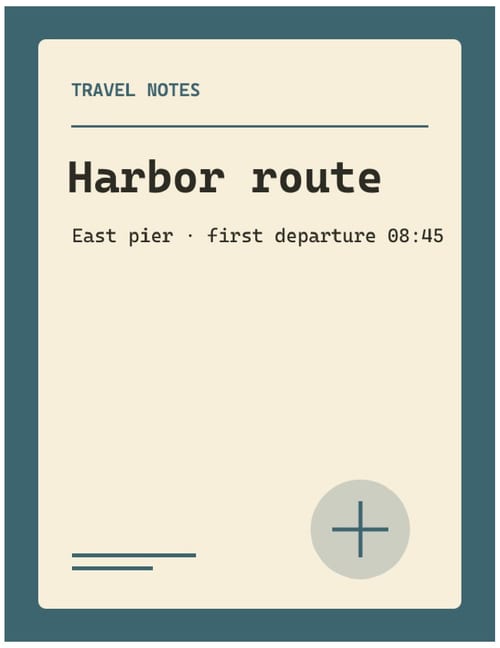
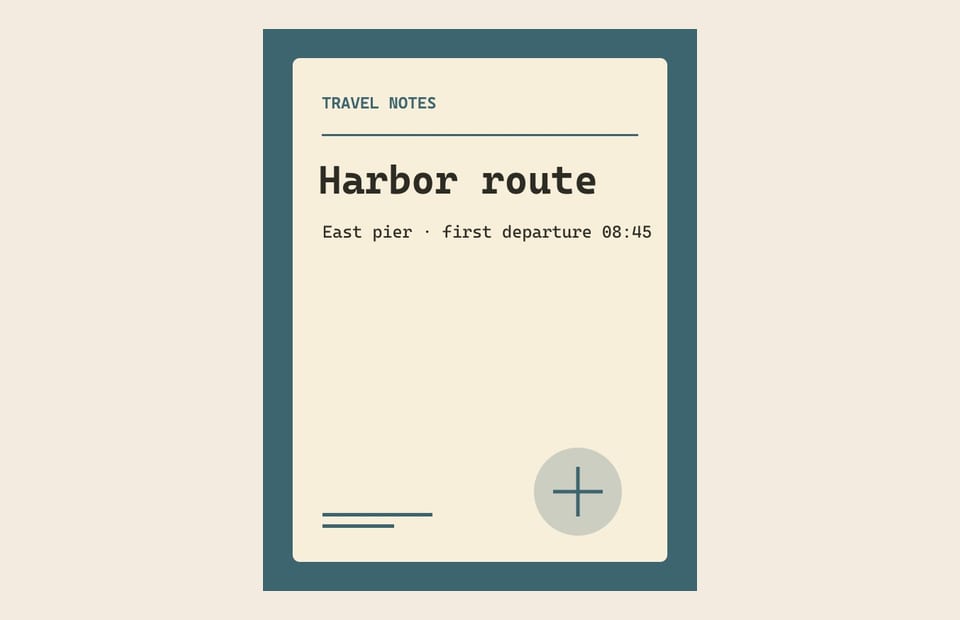
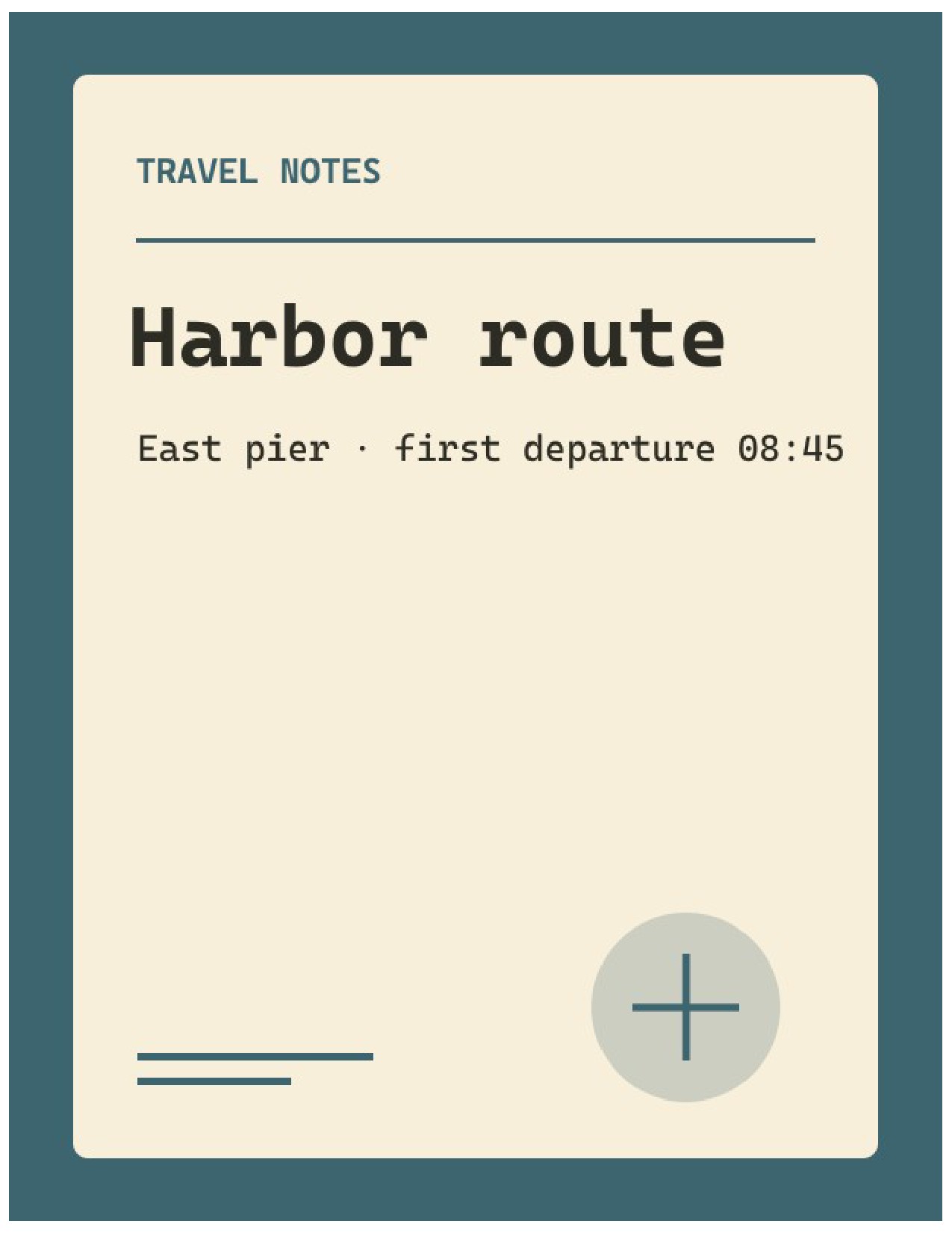
Choose a document and a render resolution
Open a PDF that you are allowed to use. The tool renders each page in order as its own JPG, so a two-page document produces two images. The initial setting is 150 dots per inch. That controls how many pixels are used to draw the printed page. A larger value can improve readability when someone zooms in, while a smaller value can help if you are sending a quick preview. Choose a PDF no larger than 50 MB and 50 pages. If it requires a password, use an unlocked copy. The size limit shown before conversion may reduce the effective DPI for large pages.
Review the page as a picture
Inspect the page result and look at the details you care about, such as a train departure time or small footnotes. The converter draws supported form values and annotations such as stamps when it can render their appearance. Make a flattened copy in your PDF viewer if you see missing fields, stamps, or visible signature graphics. Read the page number before saving if you only need part of a longer document. In each JPG, text and vector artwork become pixels. Keep the PDF for searchable text, clickable links, or a page someone will print at higher resolution. If you need a narrow excerpt for a message, crop the saved page image and leave space around the text.
Save the pages you actually need
Download the finished JPG pages individually. This can be useful for showing one page in a form that asks for an image or sharing an excerpt from an itinerary. Check the number of images and the measured size of each before attaching them. When the destination asks for a single image under a byte limit, use Compress JPEG on the relevant page. If they want a PDF after all, keep the original document or use JPEG to PDF for a new document of image pages.
| Keep document structure, search, and links already present in the file. | |
| JPG | Share a page as an independent still image. |
Frequently asked questions
Does a five-page PDF create five pictures?
A successfully rendered document gets one JPG per page. You can download only the pages you need.
What does increasing DPI do?
It renders more pixels per inch of PDF paper and usually makes each JPG larger.
Will filled fields and stamps show up?
The converter draws supported form values and visible annotation appearances. Dynamic XFA forms and some annotation types may be missing. A flattened copy can carry the visible content into the page. JPGs contain pixels and cannot preserve digital signature verification.
Can I still select the words in a page JPG?
The words become part of the image. Keep the PDF to use selectable text when the original contains it.