 Merge
Turn a photo black and white
See your photo in shades of gray. Start with natural tones or increase contrast for stronger highlights and shadows.
Stays on your device · never uploaded. How to verify
Drop a file here
JPG, PNG or WebP
Result
A canyon poster in grayscale
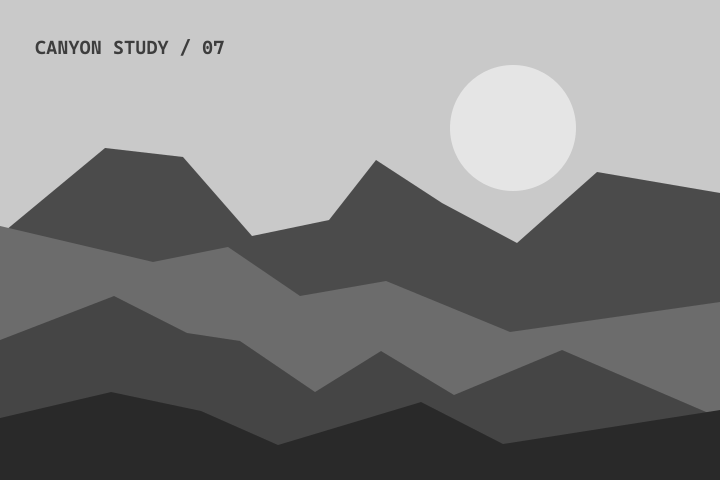
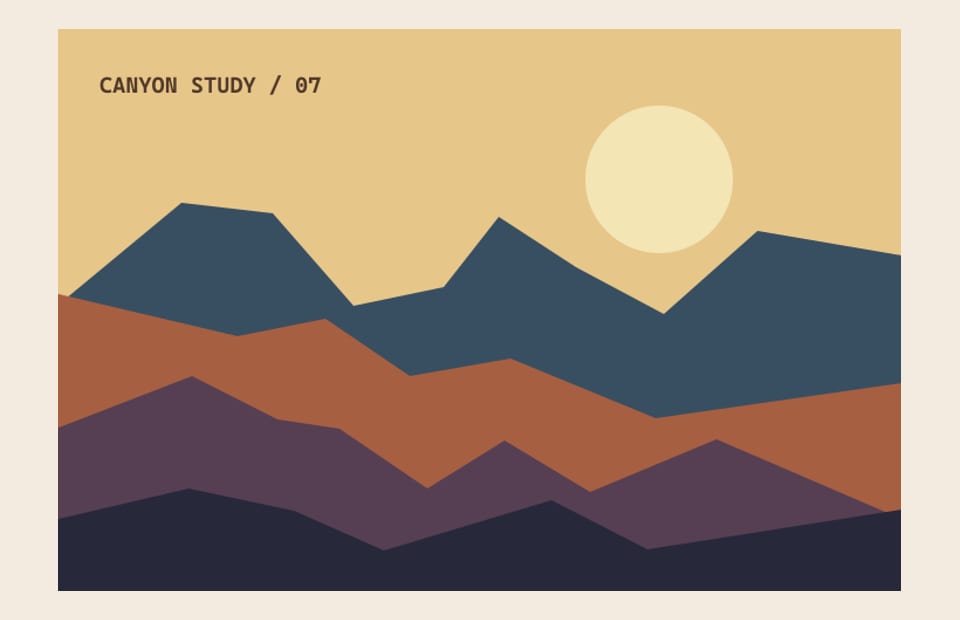
Start with the shapes and light
Choose a JPG, PNG, or WebP whose subject has a clear silhouette or interesting light. Converting to grayscale can draw attention to shadows, surface texture, and repeating shapes. The natural setting uses a weighted mix of red, green, and blue. In a photo of a garden, greens may stay relatively bright while a blue object becomes darker. If two objects separated mainly by color become hard to distinguish, compare them in the result before using it. Small colored keys on a diagram are especially easy to lose in gray.
Choose the amount of contrast
Natural grayscale is a starting point for portraits, architecture, and scanned drawings. Higher contrast deepens dark tones and lifts light tones, which can make a bold poster or a line illustration read more clearly. It can also make a dark jacket or bright cloud lose texture. Try both settings on a photograph with a wide range of light. Open the result at a larger size to see whether the details still separate. If a distracting margin makes judging the tones harder, use Crop image to trim the photo first.
Save a separate grayscale copy
The export is a PNG. Transparent areas in the source stay transparent in the new image, including the edge of a cutout logo. Check how an asset like that looks against its final background before placing it on a page. A PNG version of a photograph can take more storage than its JPEG original, so check the saved size if an attachment form has a limit. Use PNG to JPG to make another copy when the recipient requires JPEG. Keep the original if you want to use the colors or try a different treatment later. Use Combine two photos for a comparison of the two versions.
| Natural grayscale | A weighted grayscale conversion with softer tonal transitions. |
|---|---|
| Higher contrast | Darker shadows and lighter highlights. |
Frequently asked questions
Does black and white mean only black and white pixels?
The tool creates shades of gray. It uses a continuous range between black and white.
Will a transparent PNG gain a white background?
The PNG export keeps the transparency of the decoded image.
Can I bring the colors back in the saved PNG?
The grayscale file contains gray tones. Save the source photo if you may need the colors again.